
Twine Template ✦ Dialectic
💬 Dialectic
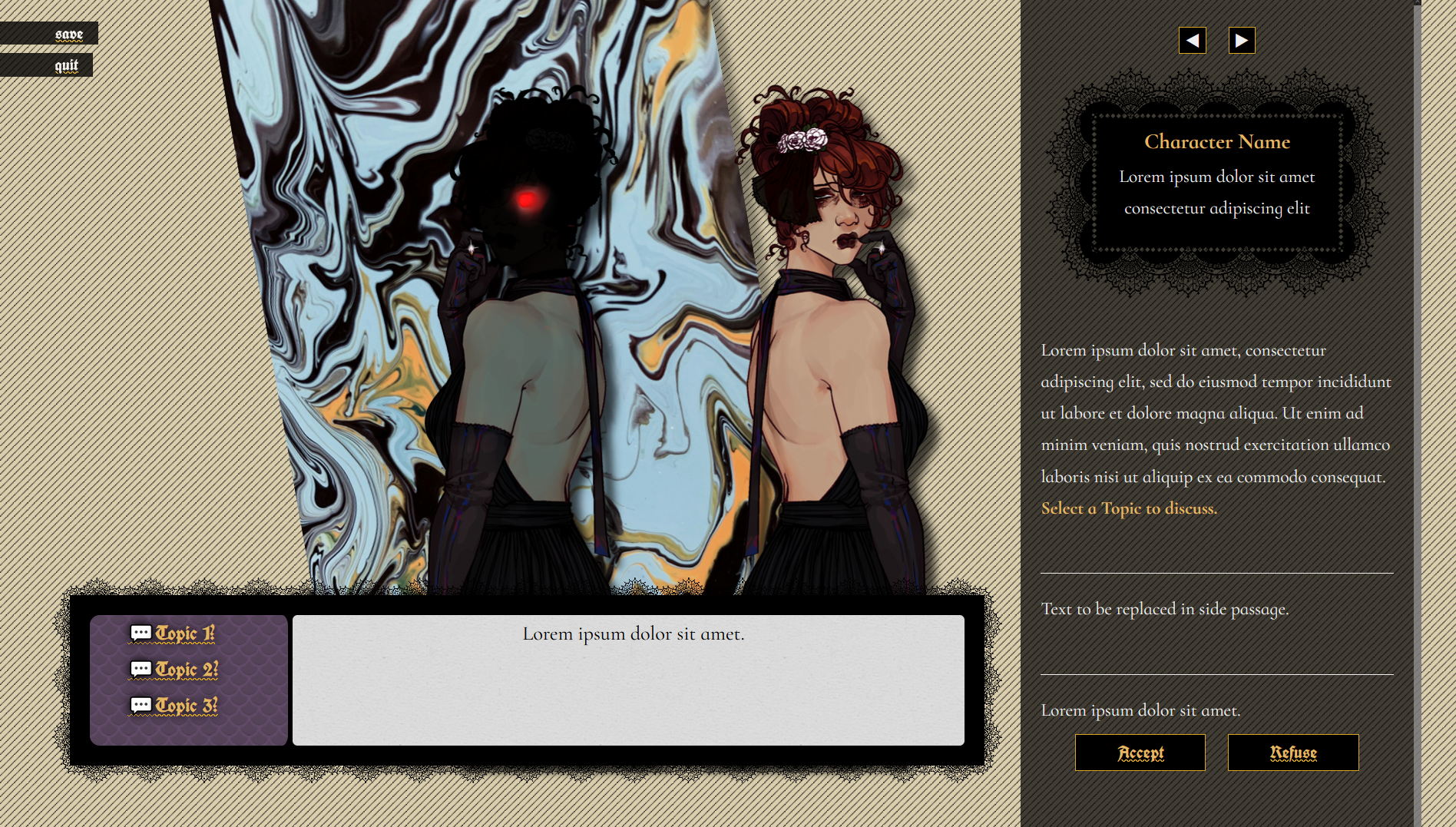
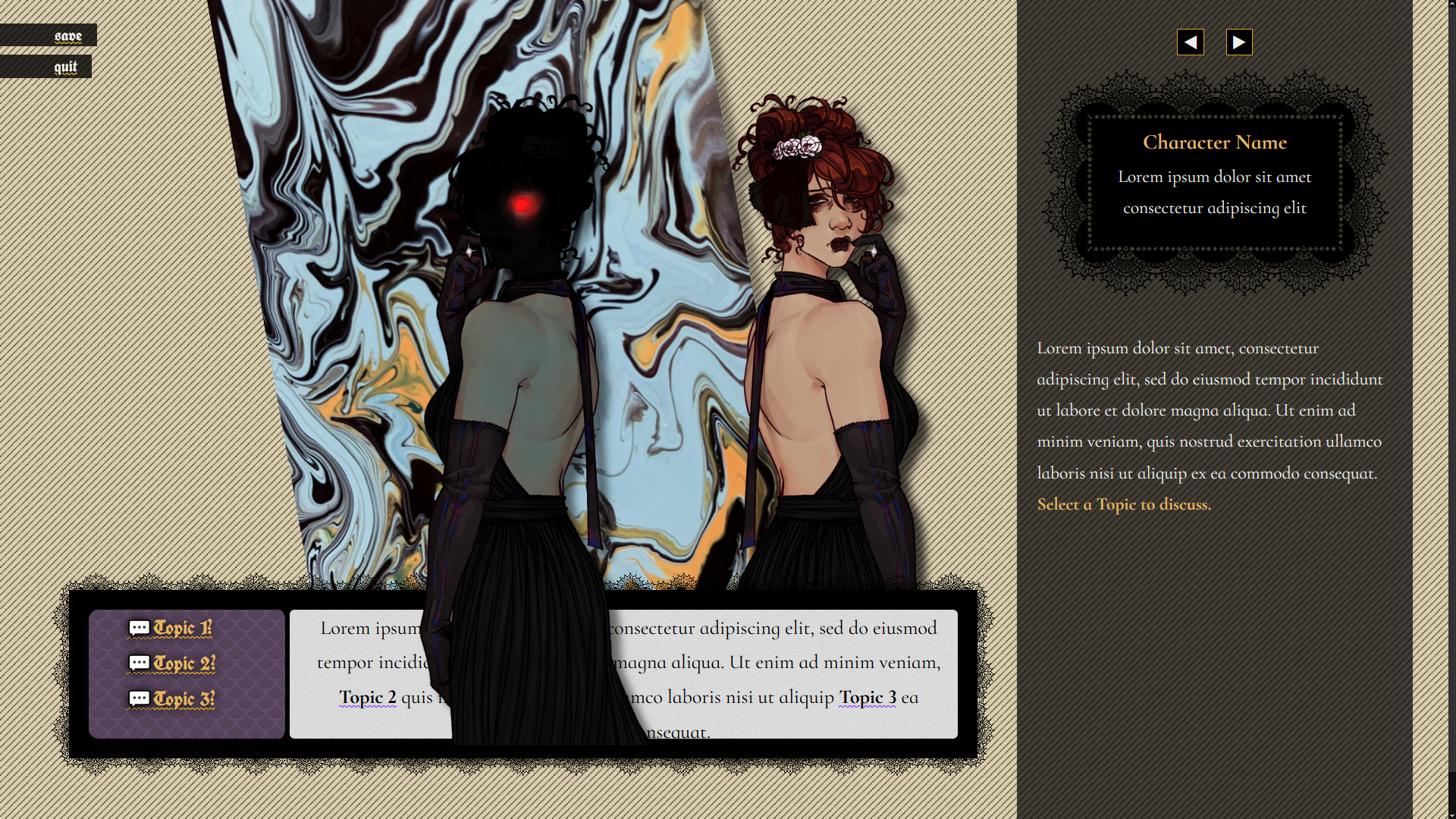
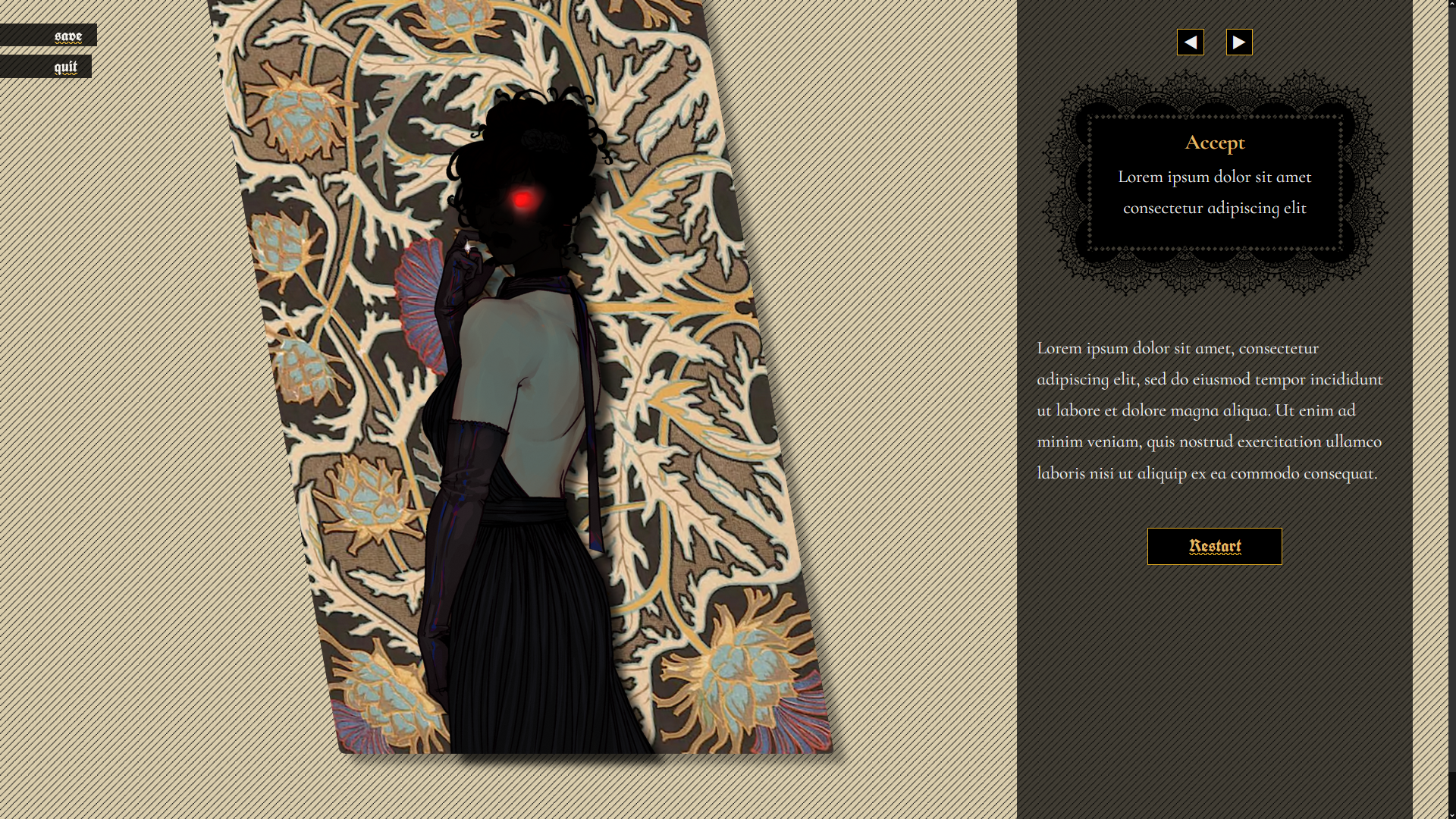
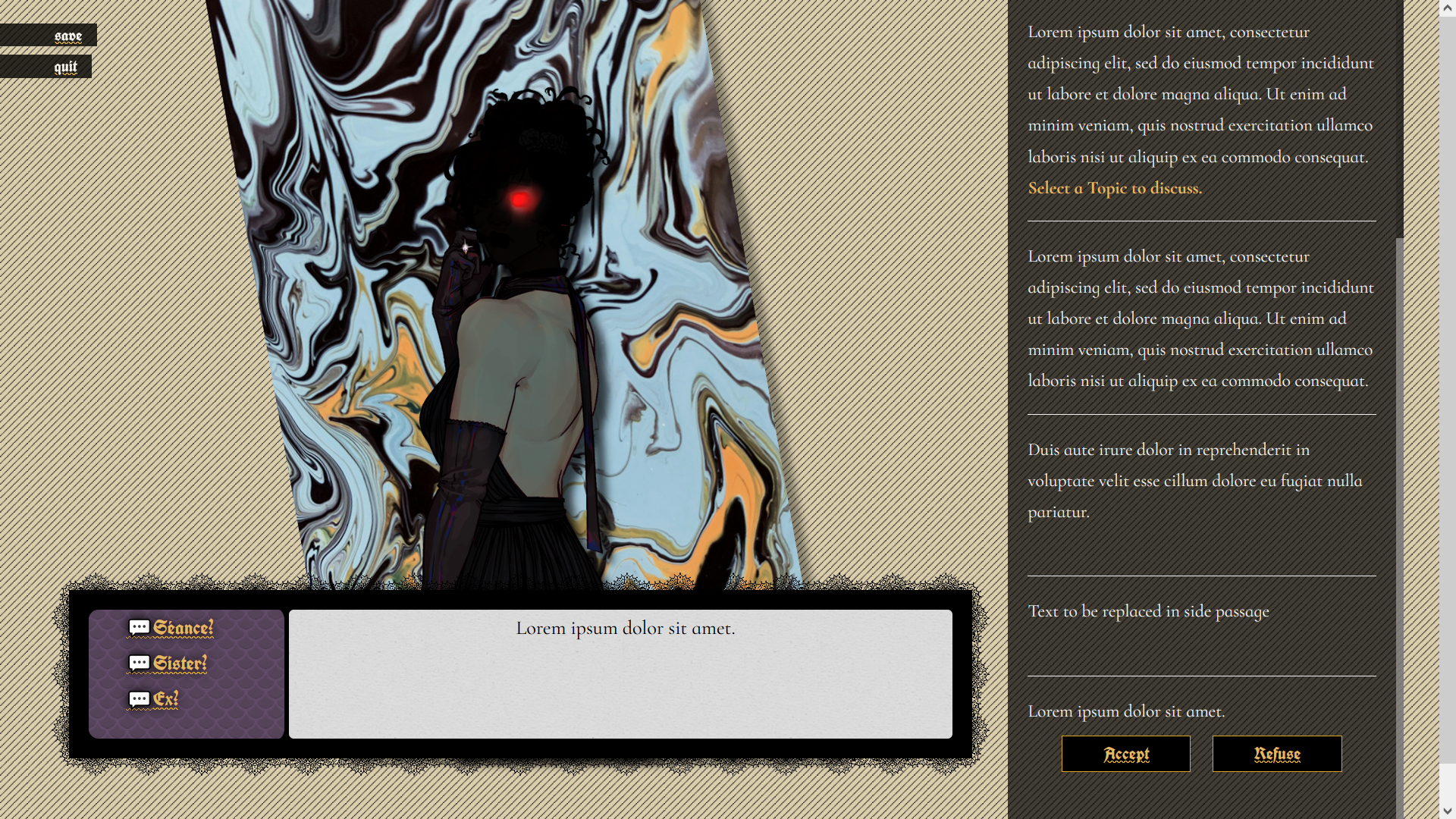
The fourth incantation from the Twine Grimoire features a layout inspired by visual novels. Requested by Darya! Download the template to get:
- Compressed folder containing index.html and local asset library
- Custom Stylesheet: built for the SugarCube Story Format
- A layered layout which supports up to two character sprites
- Components for mixing and matching portraits, prose, and dialogue
- Sprites that "breathe" with a simple CSS-based animation
- View full sprite details on hover
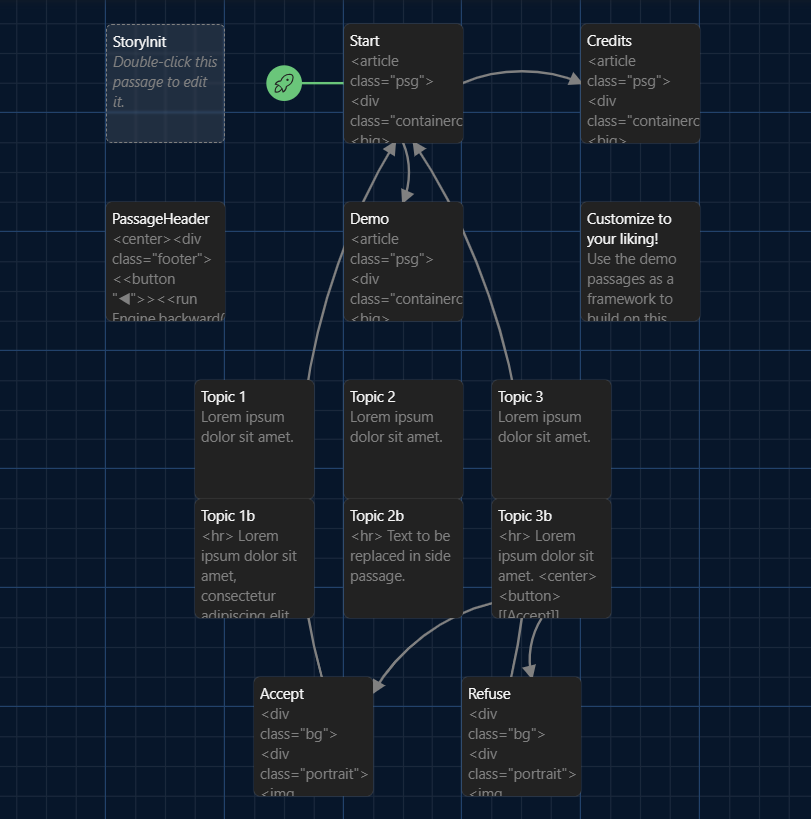
- Fully customizable! Annotated demo passages guide the user once imported into Twine
🛠️ Coming Soon
- Mobile Optimization: This template is still being optimized for different screen sizes. A devlog will be posted whenever the template is updated. Thanks for your patience.
- Settings Menu: Including options for fonts, text sizes, and different color schemes.
⚠️ Guidelines
- This resource is licensed under Creative Commons, CC-BY-4.0; it is free and only requires attribution to use.
- You can use this template for commercial and non-commercial purposes. E.g., a free game jam submission or a $10 downloadable project, etc.
- You can edit this template however you wish, but please keep the credits intact.
- Please feel free to show me if you happen to use a Grimoire template. I love seeing what people make.
- Template development is supported and tested by my Patrons. 🧡
📂 Download Instructions:
- Download the .zip file from Itch
- Extract it to a folder
- Open Twine
- Import the index.html file
- ❗ IMPORTANT: FOLLOW THIS TUTORIAL TO CHANGE THE IFID ❗
- Customize as you please!
- Publish to File for testing purposes.
If you have questions or suggestions, please feel free to leave a comment.
 |  |  |
 |  |  |
Download
Get this Twine template and 71 more for $30.00 USD
Click download now to get access to the following files:
Comments
Log in with itch.io to leave a comment.
How do you get the images to work
If you're clicking Play or Test inside the Twine application, you won't be able to see the images from there, but if you use "Publish to File" and then open the resulting .html file in your browser, you should be able to see them that way.
ohhhhhhh, thank you!
wait that doesn't work either
Weird, thanks for letting me know. Is your index.html file in the top level of the unzipped game folder? The template .zip should be extracted, then any playable files saved in the same directory where you see the "images" folder. You should see "images" and "index.html" next to each other when you open the template folder. If it's not able to access those files locally, they won't be visible when testing.
Oh, I figured out the problem! It was looking for the images directly in my downloads folder for some reason; if I copied the folder from the extracted .zip folder straight to my download folder then the images load!